
Quick summary:
The best way to plan a corporate retreat is not by choosing the “perfect tool,” but by designing a system that supports both logistics and human connection. Most planning teams rely on a hybrid stack—spreadsheets, sourcing platforms, AI tools, and coordination workflows—to streamline execution. But tools alone don’t create a successful retreat. What matters is how those tools support the agenda, enable meaningful team bonding, and ensure strong post-retreat follow-up. Done right, a company retreat becomes a strategic investment in company culture, retention, and the long-term ROI of company retreats.
How Companies Actually Plan Retreats (Survey Insights)
When people talk about retreat planning, they often imagine a polished, linear process. In reality, it’s messy, iterative, and highly dependent on internal bandwidth.
We surveyed 18 experienced retreat leaders—people responsible for everything from executive retreats to large-scale offsite events—and the results tell a more grounded story. Around 61% still rely on spreadsheets as their primary planning tool. About 50% use AI tools like ChatGPT to accelerate planning. Roughly 44% use travel agents or DMCs, and the same percentage rely on planning platforms like RetreatsAndVenues.com. Meanwhile, 33% use free sourcing tools, and **28% work with convention bureaus.
In practice, retreat planning tools fall into two distinct categories. Some help you decide where and how the retreat should happen (like sourcing platforms and venues). Others help you manage everything around it (like spreadsheets, project management tools, and communication platforms). Most teams use both, but they serve very different roles in the process.
The takeaway is not that one tool is winning—it’s that most teams build a layered system. Spreadsheets manage corporate retreat costs and logistics, AI supports agenda creation and team-building activities, and platforms help identify the right retreat venue, which often shapes the rest of the retreat experience.
The strongest teams don’t replace one tool with another—they combine them to support both operational efficiency and the overall retreat experience.
Why Tools Matter (But Only When the Experience Is Designed First)
Before diving into tools, it’s worth stepping back and asking a more fundamental question: Why do a company retreat at all?
For remote teams, especially those operating in distributed work environments, in-person time is rare. A retreat is not just a break from work—it’s a moment to build trust, reset team dynamics, and create alignment that’s difficult to achieve through virtual retreats alone.
This is where many retreats fail. Teams over-index on logistics—meeting rooms, travel coordination, dietary restrictions—and underinvest in experience design. They end up with a well-organized event that lacks impact.
The role of tools, then, is not to run the retreat. It’s to remove friction so you can focus on what matters:
- Designing meaningful work sessions
- Creating space for downtime and free time
- Structuring team-building activities that actually improve collaboration
- Supporting strategic planning without overwhelming participants
When tools are used correctly, they don’t dominate the process—they quietly enable it.
The 5 Types of Tools Used to Plan Company Retreats
In practice, retreat planning breaks down into five functional categories. Understanding these categories helps you build a system that fits your team, rather than forcing your process into a single tool.
Retreat Planning Platforms
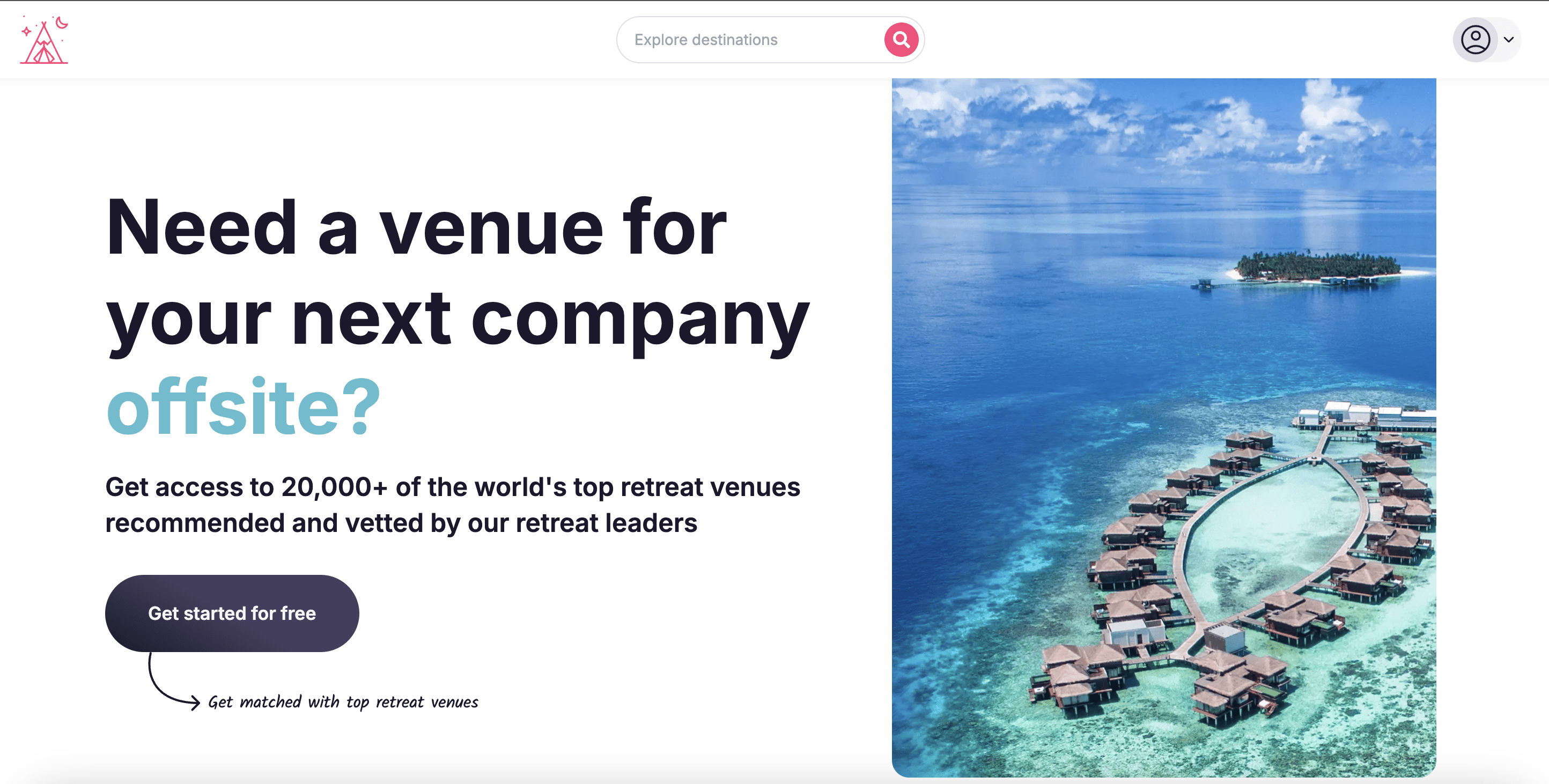
Platforms like RetreatsAndVenues.com are primarily used for sourcing and comparing retreat locations. For many teams, this is the most time-consuming part of planning.
These tools work because they streamline the early-stage process—helping you evaluate non-hotel company retreat ideas, compare proposals, and align on a retreat venue that supports your goals. They’re especially useful when planning larger company retreats or leadership retreats, where the environment plays a critical role in outcomes.
With RetreatsAndVenues.com specifically, you can also manage flights from multiple locations, visa requirements, local highlights/activities, check the weather and more to ensure you’re picking the best location for your team. When you get down to looking at specific venues, all of the amenities and meeting spaces are clearly listed.
However, they don’t replace internal coordination. They’re best used as a starting point, not a complete solution.
Spreadsheets & Project Management Tools
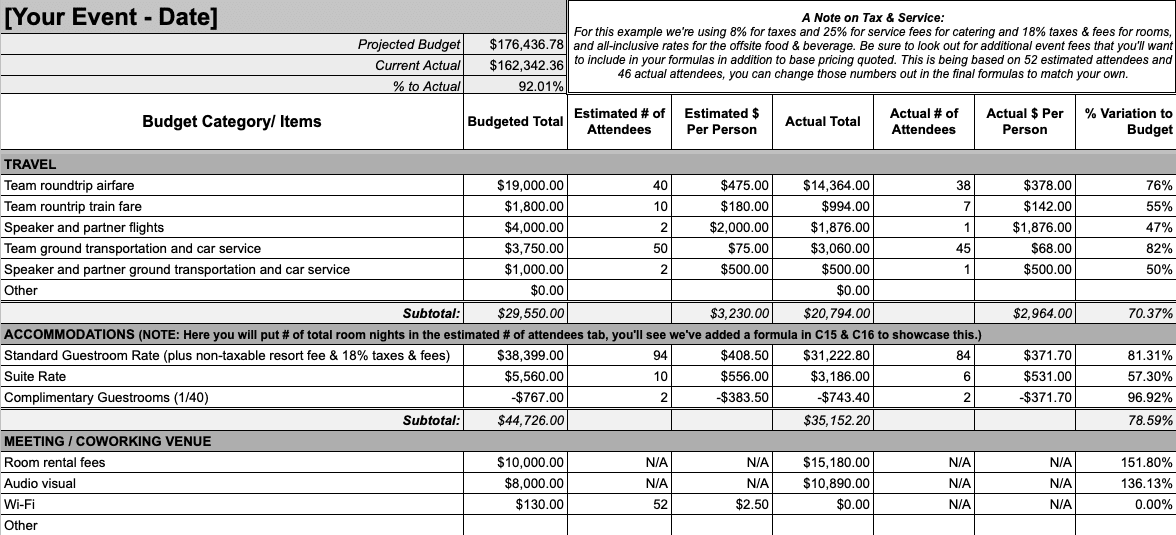
Despite the rise of specialized platforms, spreadsheets remain the backbone of retreat planning.
Tools like Google Sheets and Airtable are used to manage everything from budgets and room assignments to dietary needs and travel logistics. Their strength lies in flexibility—they can adapt to any type of retreats, from small weekend retreats to large international offsite events.
But that flexibility comes with tradeoffs. Manual updates, lack of automation, and coordination challenges can create friction as complexity grows.
AI Tools
AI tools like ChatGPT and Claude are becoming a core part of modern retreat planning workflows.
They’re particularly effective for:
- Drafting agenda options
- Generating themes and fun activities
- Supporting brainstorming sessions
- Handling last-minute changes
What makes AI valuable is speed. It allows planners to move quickly from idea to iteration. But without clear direction, it produces generic outputs—so it works best when paired with strong human judgment.
Travel Agents, DMCs & Event Planners
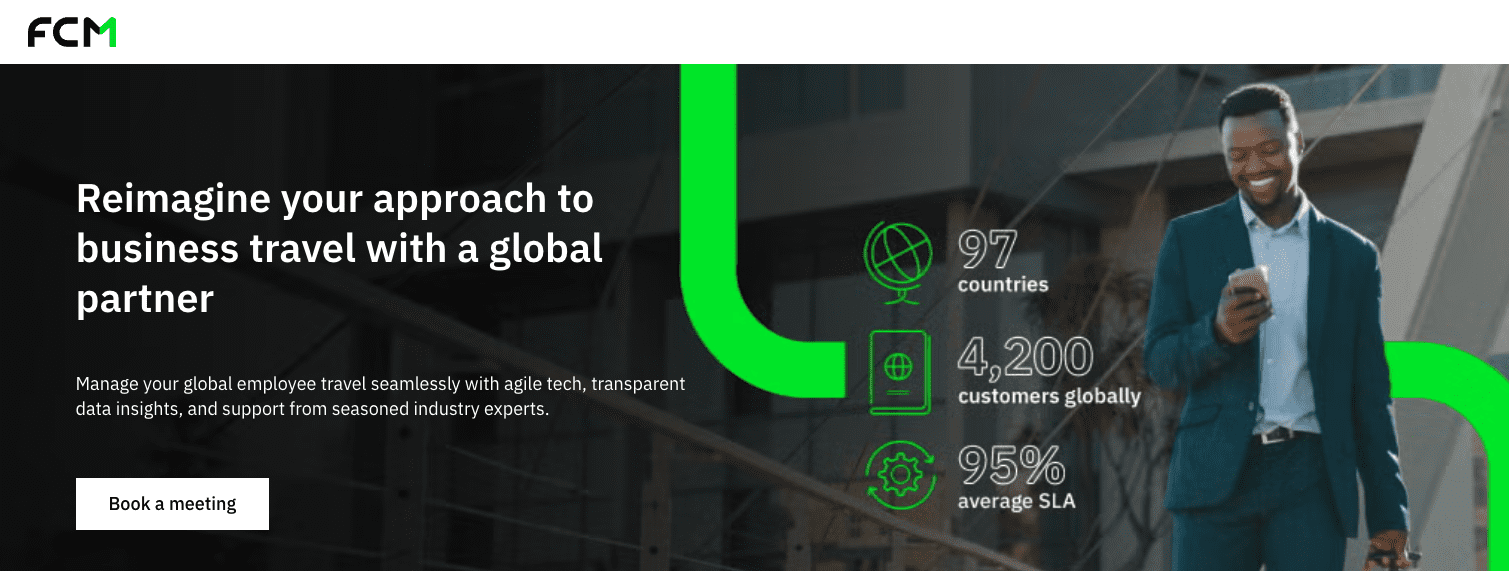
For complex or international retreats, event planners and DMCs provide operational support that internal teams often lack.
They handle logistics, vendor coordination, and local execution—ensuring that on-site details like meeting space, cooking classes, or kayaking activities run smoothly. This reduces risk, especially for larger corporate retreats with higher stakes.
The tradeoff is cost. These services increase Corporate retreat costs, but they also reduce the burden on your internal planning team.
Free Sourcing Tools & Convention Bureaus
Free tools and convention bureaus are often used in the early stages of planning. They provide access to retreat locations and initial proposals without upfront cost.
These tools are useful for teams working within tighter budgets or exploring options before committing. However, they typically lack deeper coordination features, so they need to be combined with other tools to deliver a full retreat experience.
Best Tools to Plan a Company Retreat (In Practice)
The difference between a list of tools and a working system is context. Below is how these tools actually function when mapped to real-world planning.
1. RetreatsAndVenues.com
What it’s best for
Venue sourcing and proposal comparison for corporate retreat, offsite, and non-hotel company retreat ideas.
Pros
- Saves significant time sourcing vetted retreat venues
- Centralizes proposals across multiple retreat locations
- Free to use, which helps manage budgets
Cons
- Focused on sourcing, not full logistics or complete agenda creation
- Still requires internal coordination after selection
Ideal team size / use case
Best for teams of 50-500+ planning a company retreat, executive retreat, or leadership retreats where venue quality matters.
Real-world usage
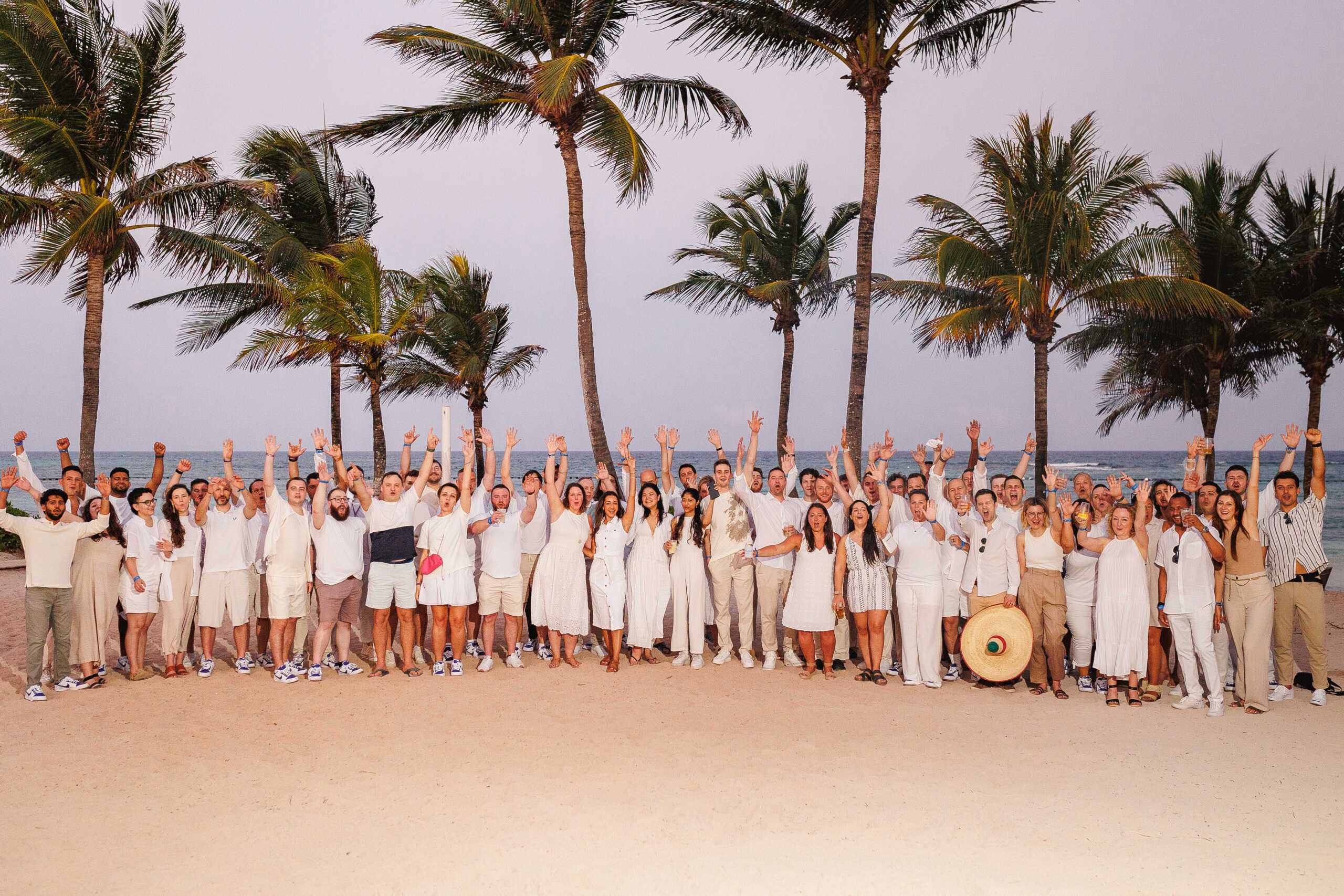
Companies like AQai, Corelight, Doist, Laurel, Expatrio and TextExpander have used it to streamline sourcing. In practice, teams use it early—before locking an agenda—to ensure the environment supports team building and strategic planning.
2. Google Sheets / Airtable
What it’s best for
Managing logistics: Corporate retreat costs, room assignments, flights, dietary needs, and Accessibility checklist tracking.
Pros
- Fully customizable
- Familiar to most planning teams
- Works across all types of retreats
Cons
- Manual updates create risk of errors
- Not ideal for collaboration at scale
- No built-in automation for complex workflows
Ideal team size / use case
All team sizes — especially useful for internal coordination across remote teams.
Real-world usage
Used by ~61% of retreat planners. Even teams working with event planners or DMCs still rely on spreadsheets as the “source of truth.”
3. Notion / Airtable
What it’s best for
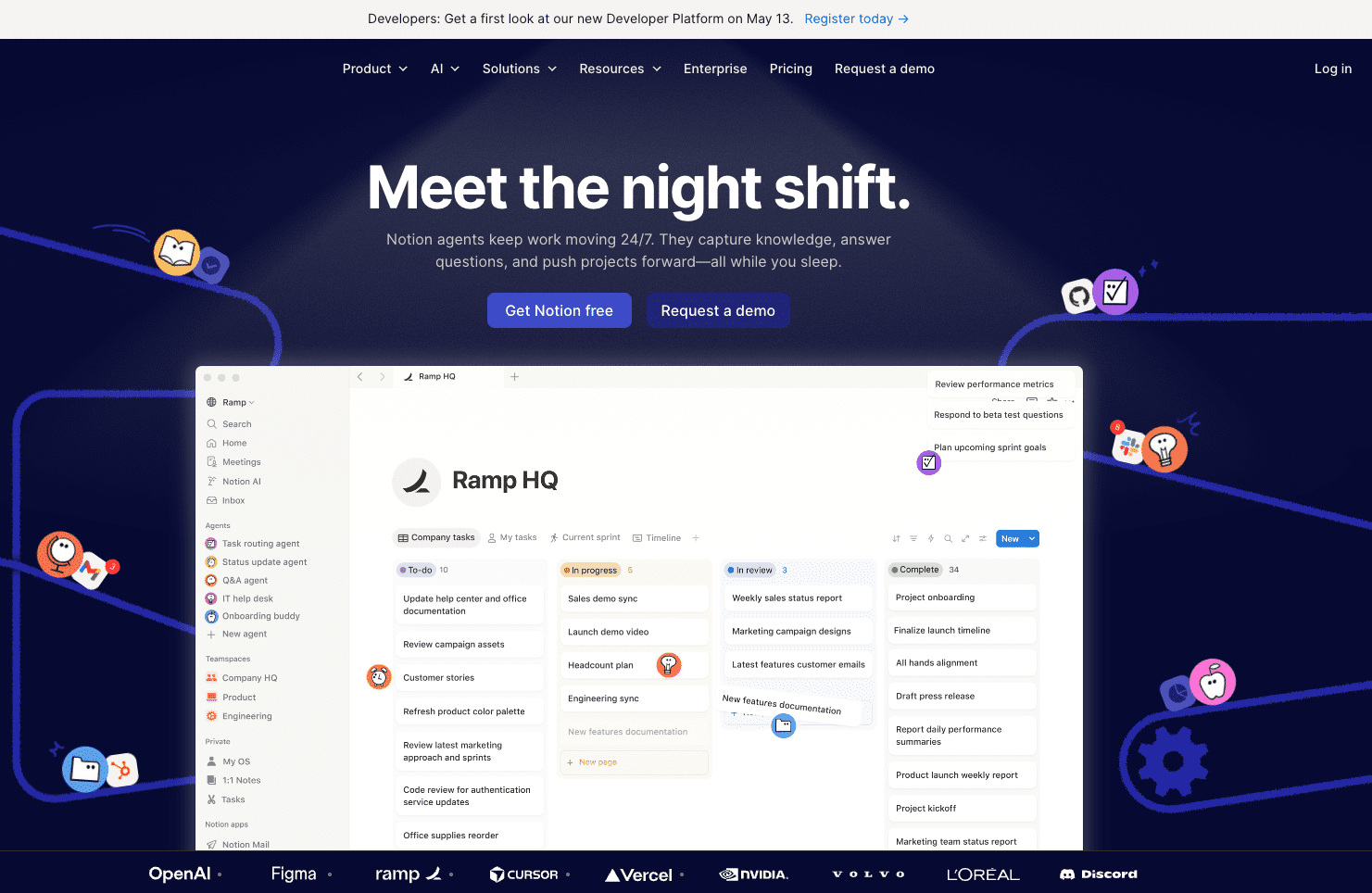
Centralizing retreat documentation, agenda, themes, and internal communication.
Pros
- Combines docs + project tracking
- Great for storing retreat experience details
- Keeps stakeholders aligned
Cons
- Requires setup to be effective
- Can become cluttered without structure
Ideal team size / use case
Mid-sized teams planning complex offsite experiences with multiple work sessions and team-building activities.
Real-world usage
Often used to build the master retreat hub—housing everything from meeting rooms layouts to post-retreat follow-up plans.
4. ChatGPT
What it’s best for
Accelerating planning: drafting agenda, creating fun activities, brainstorming themes, and vendor outreach.
Pros
- Speeds up ideation and planning
- Helps generate structured retreat plans quickly
- Useful for last-minute adjustments
Cons
- Requires clear prompts to be useful
- Outputs can feel generic without refinement
Ideal team size / use case
Any team, especially lean teams without a dedicated retreat planner.
Real-world usage
Used by ~50% of planners. Common use cases include building a team retreat agenda, planning team-building activities, and drafting communication for attendees.
5. Asana / Monday.com
What it’s best for
Tracking tasks, timelines, and dependencies during careful planning.
Pros
- Keeps planning team aligned
- Helps prevent missed deadlines
- Scales well for complex retreats
Cons
- Overkill for smaller weekend retreats
- Requires disciplined usage
Ideal team size / use case
Teams with multiple stakeholders planning corporate retreat logistics over several weeks.
Real-world usage
Used to manage everything from vendor coordination to on-site logistics and follow-up tasks.
6. Slack / Microsoft Teams
What it’s best for
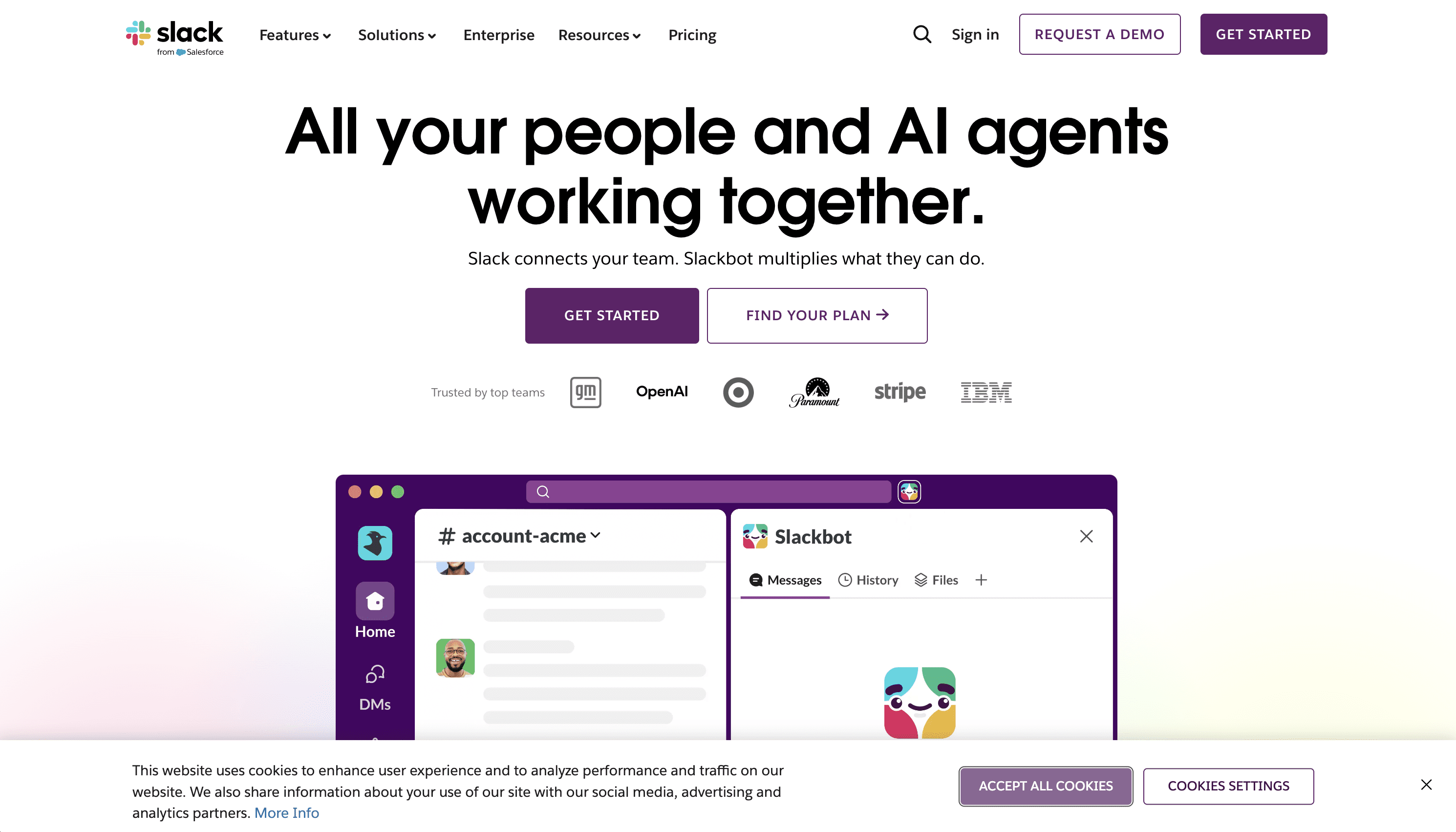
Communication with team members before and during the retreat.
Pros
- Real-time coordination
- Easy updates for schedule changes
- Keeps everyone informed
Cons
- Can become noisy
- Not structured for planning workflows
Ideal team size / use case
All team sizes, especially remote work teams transitioning to in-person.
Real-world usage
Used during the retreat for real-time updates like schedule changes, free time options, or on-site coordination.
7. Typeform / Google Forms
What it’s best for
Collecting attendee preferences: dietary restrictions, room preferences, travel details.
Pros
- Easy data collection
- Reduces back-and-forth emails
- Improves inclusivity
Cons
- Requires follow-up to verify details
- Limited automation
Ideal team size / use case
All teams, especially those managing complex dietary needs and logistics.
Real-world usage
Used early in planning to gather inputs and later for post-retreat feedback.
8. Miro / FigJam
What it’s best for
Interactive brainstorming, strategic planning, and collaborative work sessions.
Pros
- Engaging for team-building activities
- Supports visual thinking
- Great for hybrid or remote teams
Cons
- Requires facilitation
- Can feel overwhelming for some users
Ideal team size / use case
Teams running structured workshops during leadership retreats or executive retreat sessions.
Real-world usage
Used during work sessions to facilitate collaboration, especially when transitioning from virtual retreats to in-person formats.
9. Canva
What it’s best for
Designing retreat materials: itineraries, swag, presentations.
Pros
- Easy to use
- Improves visual consistency
- Supports branding
Cons
- Limited for complex design needs
Ideal team size / use case
All teams wanting a polished retreat experience.
Real-world usage
Used to create branded itineraries, welcome kits, and corporate retreat gifts.
10. Travel & Logistics Tools (e.g., Navan / TravelPerk)
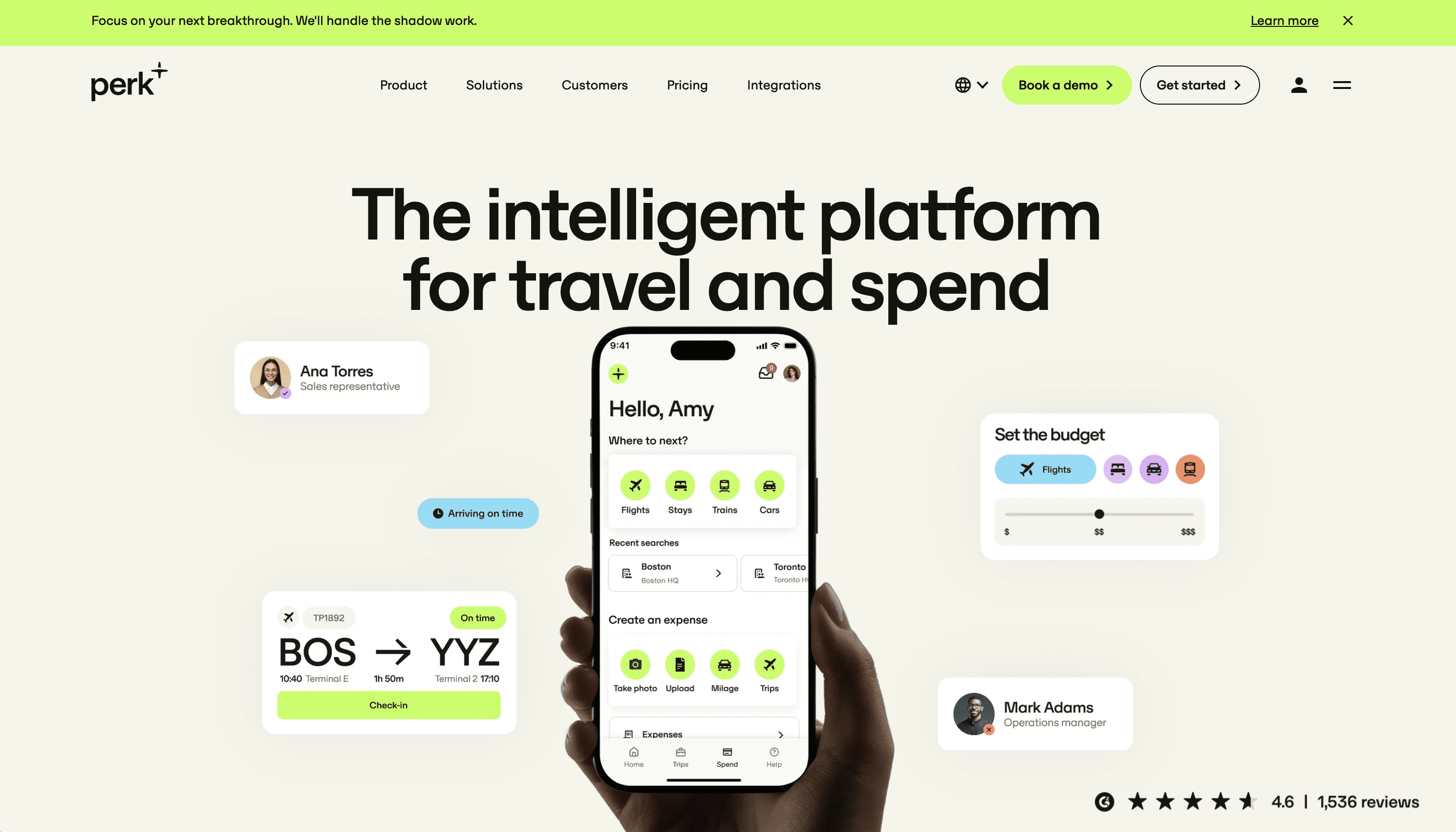
What it’s best for
Booking flights, managing travel, and tracking expenses.
Pros
- Centralized booking
- Improves visibility on Corporate retreat costs
- Simplifies reimbursements
Cons
- Additional cost
- Requires onboarding
Ideal team size / use case
Mid to large teams managing multi-city travel.
Real-world usage
Used to coordinate travel for distributed remote teams, ensuring everyone arrives aligned with the agenda.
11. Travel Agents / DMCs / Convention Bureaus
What it’s best for
End-to-end coordination, local expertise, and executing complex retreats.
Pros
- Handles logistics and vendors
- Reduces workload for internal teams
- Ensures smoother on-site execution
Cons
- Higher cost
- Less direct control
Ideal team size / use case
Large or international offsite events with high complexity.
Real-world usage
Used by ~44% of planners. Particularly valuable for retreats involving multiple vendors, complex itineraries, or specialized activities like kayaking or cooking classes.
How Real Companies Plan Retreats
The most effective company retreats don’t rely on tools alone—they rely on systems.
Companies like AQai, Corelight, Doist, Simms & Associates, Laurel, and TextExpander all follow a similar pattern. They use spreadsheets to manage logistics, platforms to streamline sourcing, and internal coordination to execute.
What changes from company to company is not the tools—it’s how they’re used. Teams that invest in careful planning, align tools with goals, and prioritize the retreat experience consistently see better outcomes.
A Simple Retreat Planning Workflow
A practical workflow connects tools to outcomes.
It starts with defining goals—whether that’s team building, strategic planning, or improving company culture. From there, teams set budgets, source venues, build an agenda, and coordinate logistics.
The most effective workflows also include:
- A mix of work sessions and downtime
- Intentional team-building activities
- Consideration of dietary restrictions and accessibility checklist needs
- A clear post-retreat follow-up plan
Without that final step, even the best ideas generated during the retreat rarely translate into long-term impact.
Which Tool Should You Use?
There’s no single answer.
Smaller teams planning weekend retreats can often rely on spreadsheets and lightweight tools. Larger teams planning leadership retreats or CEO retreats may need more structured platforms and external support.
The key is alignment. Your tool stack should reflect your team size, budgets, and the complexity of the retreat experience you’re trying to create.
FAQs
How to plan a corporate retreat?
Start with clear goals, define your budgets, and identify the right retreat locations. Build a structured agenda that balances work sessions and free time, and ensure logistics like dietary restrictions and wi-fi are addressed. The most important step is post-retreat follow-up to ensure outcomes are implemented.
What makes team building activities effective during corporate retreats?
Effective team-building activities create shared experiences that improve team dynamics. Activities like cooking classes, kayaking, or small group challenges work because they encourage interaction without forcing it. The best activities feel natural, not scripted.
What are the top tools for planning a successful company retreat?
The most commonly used tools include RetreatsAndVenues.com for sourcing, Google Sheets for logistics, ChatGPT for planning, and project management tools for execution. The best results come from combining these tools into a cohesive workflow.
Final Thought
The teams that get the most value from a corporate retreat aren’t the ones with the biggest budgets.
They’re the ones who understand that tools are just enablers.
The real outcome comes from how well you design the experience—how you structure the agenda, create space for connection, and follow through post-retreat.
That’s what turns a retreat into something that actually moves the business forward.